
MHI Events App
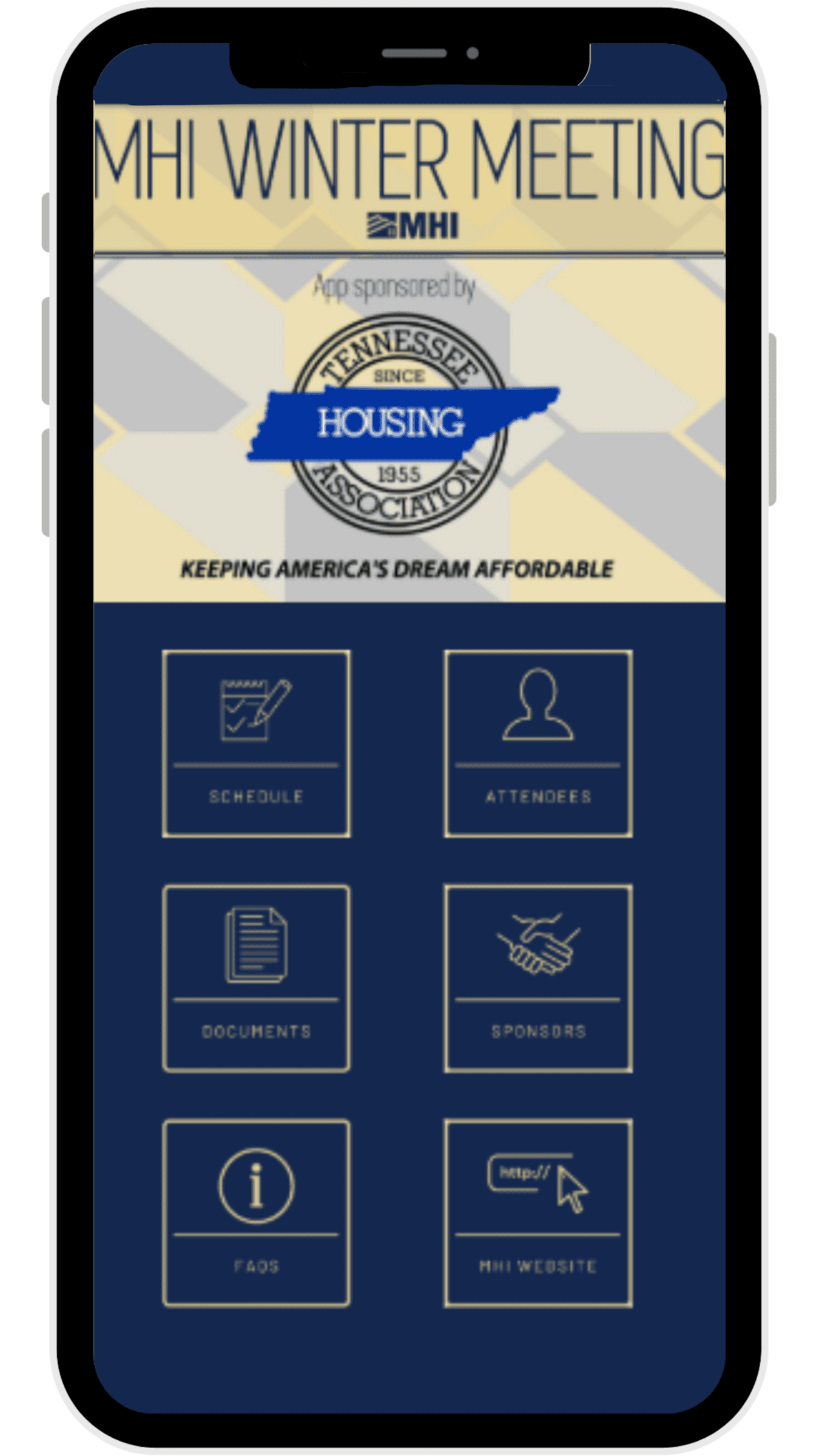
Maximize your 2026 MHI Winter Meeting experience with the MHI Events App. Download the MHI Events App to view the full attendee list and start networking now!
- Learn about the sessions and times
- View the event, attendee and sponsor list
- Start networking and schedule meetings to build new connections
- Access important resources and documents


How to Download and Login
1. Download the App
Search "MHI Events App" in the App Store or Google Play Store.
If you have used the "MHI Events App" for a previous MHI event, you may need to update the app in the App Store or Google Play Store.
2. Launch the App
Open the app and launch "2026 Winter Meeting"
3. Create an Account
Enter the email you used to register for the 2026 Winter Meeting to sign up and set your password.
If you have an account from attending a previous MHI event but may have forgotten your password, click on "forgot password" and you will receive an email prompting you to set up a new password.
4. Build Your Profile
Upload a professional headshot and enter your name, company and job title.
5. Start Networking
Browse the app. Start networking, view the attendee list, and add meetings to your schedule!
Have additional questions about the app? Visit our FAQs page.